

Log it
An invitation arrives as a WhatsApp message, an email, a letter or a call. Paste it, share it to Itersage, type it, or import a whole list from a spreadsheet. Hosts can ask through your booking link, and you answer from the app.
For people who are always expected somewhere
Itersage keeps invitations, engagements and travel on your phone, encrypted, and shares them only with the people you choose. A confirmed date becomes a runsheet for the road.
iPhone follows the Android launch. Already on Minista? Your workspace moves across.
The clash check
Every invitation is checked against what you’ve confirmed and what you’re holding the moment it goes in: the same day, a trip that can’t realistically be made in the time between two places, or a softer caution, such as a held date.
It says so before you reply, with the other engagement named and the numbers shown.
How it works
An invitation arrives as a WhatsApp message, an email, a letter or a call. Paste it, share it to Itersage, type it, or import a whole list from a spreadsheet. Hosts can ask through your booking link, and you answer from the app.
Same day as something you’ve confirmed? It says so. Abuja on Saturday night and Ibadan by Sunday morning? It says that too, before you reply. Your own rules hold: nights away, weekdays at home, protected dates.
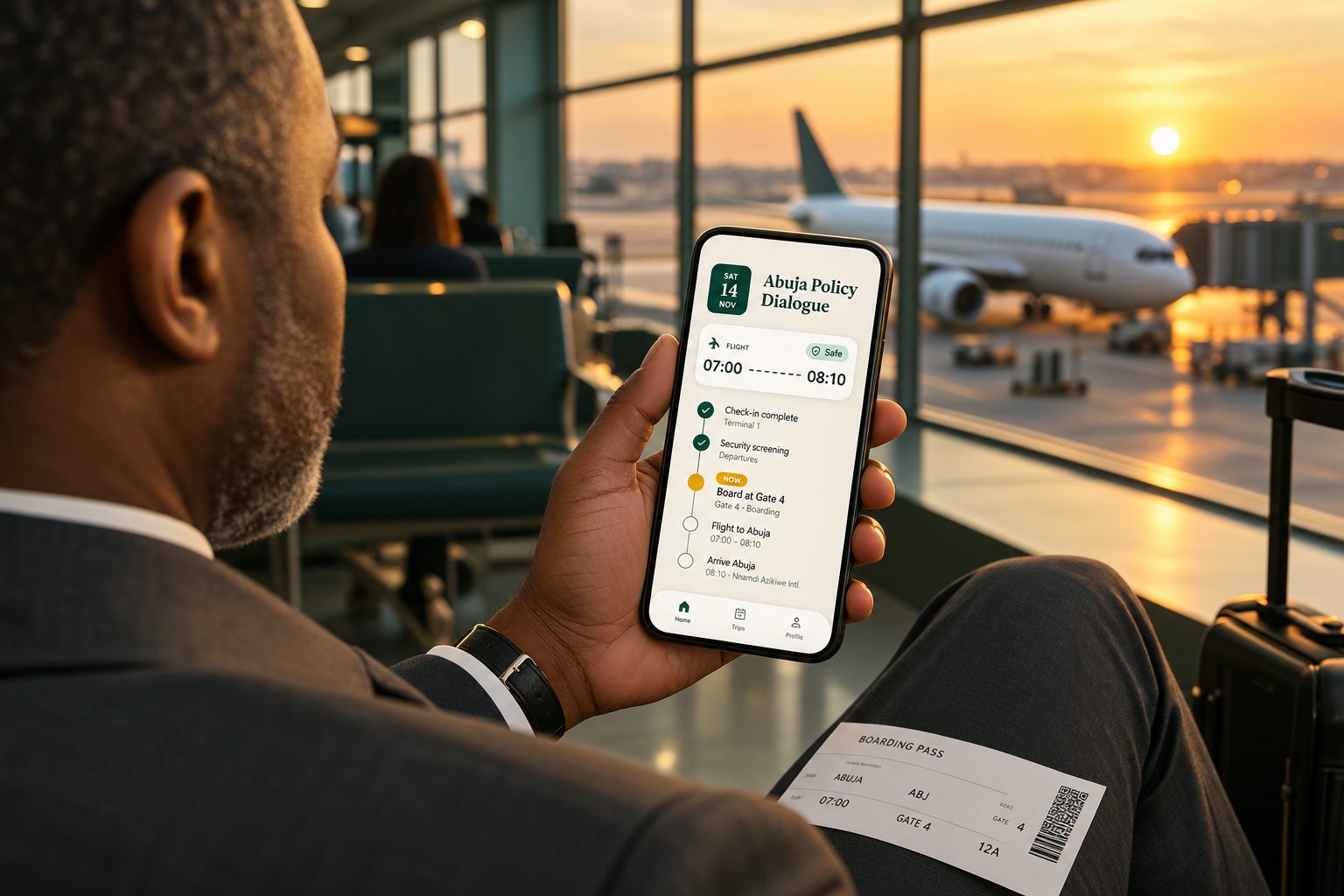
A confirmed date becomes a runsheet for you, the driver and the host: sessions, travel and times. Share it as a link that opens with no signal, save it as a PDF, or print it. Reminders come from the phone itself.
Kept on your phone
The diary is stored on your phone, encrypted, and opened by a 12-word recovery phrase that only you hold. Itersage’s servers carry it between the phones that share it and can’t read it.
The security page and privacy policy describe what the app really does, not a template.
Twelve words open your diary on a new phone. Keep them somewhere safe; nobody at Itersage can recover them for you.
For an office
Office mode keeps several people’s calendars in one diary. Each person gets the permissions the Owner chooses, from view only to deciding invitations.
What’s inside
Preview, and what it costs
It keeps running, and your workspace will be able to move over when you’re ready.

Join the Android preview. It’s free while it lasts, and iPhone comes after the Android launch.
Join the Android preview